Kia Picanto: High Beam Assist (HBA): (if equipped) / High Beam Assist Setting. High Beam Assist operation
High Beam Assist Setting
|
|
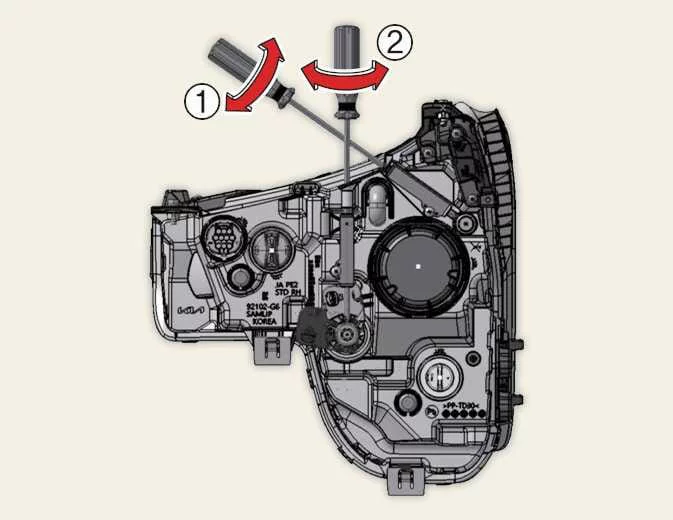
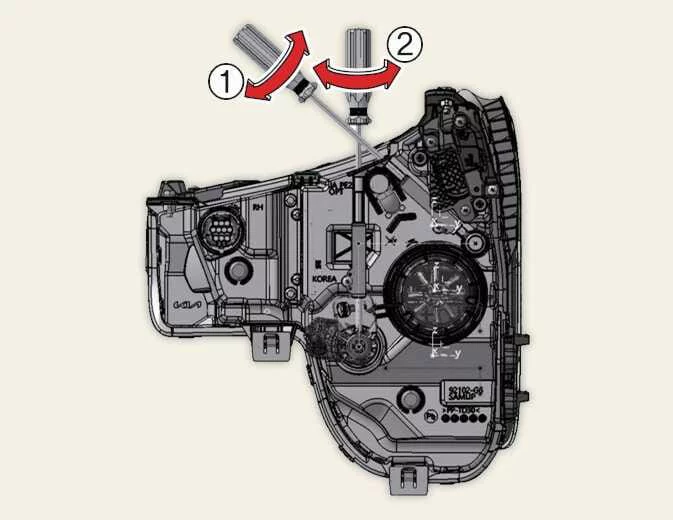
A: Vehicle Settings.
With the vehicle switched ON, enable High Beam Assist through User Settings > Lights > High Beam Assist on the instrument cluster. Alternatively, select Setup > Vehicle > Lights > High Beam Assist on the infotainment system, according to the settings interface fitted to your Kia Picanto.
WARNING
Park in a safe location before changing these settings. Make the selection while the vehicle is stationary so that navigating the menus does not distract you from driving.
High Beam Assist operation
Display and control
-
After enabling HBA (High Beam Assist) in the Settings menu, activate automatic beam control in your Kia Picanto using the following procedure:
-
Set the lighting switch to AUTO, then push the headlight stalk towards the instrument cluster. The High Beam Assist indicator (
 ) appears on the cluster to confirm that the function is
enabled.
) appears on the cluster to confirm that the function is
enabled. -
With HBA enabled, high beam may switch on when vehicle speed exceeds 30 km/h (20 mph), provided the other operating conditions are met. High beam will not switch on when vehicle speed is below 20 km/h (12 mph).
-
The separate High Beam indicator (
 ) illuminates on the
instrument cluster whenever high beam is actually on.
) illuminates on the
instrument cluster whenever high beam is actually on.
-
-
Operating the headlight stalk or lighting switch while High Beam Assist is active changes its operation as follows:
-
If high beam is off and you pull the stalk towards you, high beam illuminates temporarily without cancelling HBA. Release the stalk to return control to High Beam Assist.
-
If you push the stalk towards the instrument cluster during HBA operation, high beam switches on under manual control and High Beam Assist switches off.
-
If HBA has switched high beam on and you pull the stalk towards you, the headlights change to low beam and High Beam Assist is cancelled.
-
Turning the lighting switch from AUTO to the headlight, position lamp or off setting cancels High Beam Assist. The lights then follow the newly selected switch position.
-
-
During automatic operation, HBA changes from high beam to low beam when it detects any of the following conditions:
-
The headlights of an approaching vehicle are detected.
-
The tail lights of a vehicle travelling ahead are detected.
-
A headlight or tail light on a motorcycle or bicycle is detected.
-
Ambient lighting is bright enough that high beam is no longer required.
-
Streetlights or other sources of illumination are detected.
NOTE
The appearance and colours of the indicators may vary with the instrument cluster specification and selected display theme.
-
 High Beam Assist (HBA): (if equipped)
High Beam Assist automatically switches between high and low beam according to the brightness of detec..
 High Beam Assist malfunction and limitations
High Beam Assist malfunction
A: Check High Beam Assist system...
Other information:
Ford Explorer 2020-2026 Owners Manual: Switching Automatic High Beam Control On and Off
WARNING: Do not use the system in poor visibility, for example fog, heavy rain, spray or snow. Use the touchscreen to select the following: Select Settings. See Settings. Select Vehicle. Select Lighting. Activating the Automatic High Beam Control Switch the lighting control to the autolamps position...
Kia Picanto 2024-2026 Owner's Manual: Tyre specification and pressure label. Engine number
Tyre specification and pressure label The tyres originally supplied with your vehicle are selected to deliver the intended performance during normal driving...
Categories
- Manuals Home
- 6th Generation Explorer Owners Manual
- 6th Generation Explorer Service Manual
- Interior Trim and Ornamentation
- Body and Paint
- Auxiliary Power Points
- New on site
- Most important about car
Children and Airbags
WARNING: Airbags can kill or injure a child in a child restraint. Never place a rear-facing child restraint in front of an active airbag. If you must use a forward-facing child restraint in the front seat, move the seat upon which the child restraint is installed all the way back.