Kia Picanto: Manual climate control system: (if equipped) / Heating and air conditioning
-
Start the engine before operating the heating and air conditioning controls.
-
Turn the mode selection knob to the desired airflow position.
For more effective heating or cooling, select the appropriate airflow mode shown below:
-
Heating:
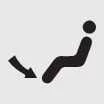
-
Cooling:
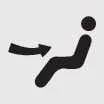
-
-
Set the temperature control knob to the desired temperature.
-
Select the outside (fresh) air position using the air intake control.
-
Adjust the fan speed control to provide the desired amount of airflow.
-
If air conditioning is required and your vehicle is equipped with it, switch on the air conditioning function.
Mode selection
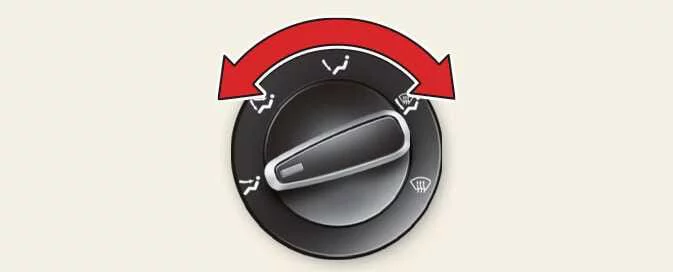
The mode selection knob determines the direction of airflow through the vehicle’s ventilation system. Turn the knob to direct air towards the areas of the cabin where it is needed.
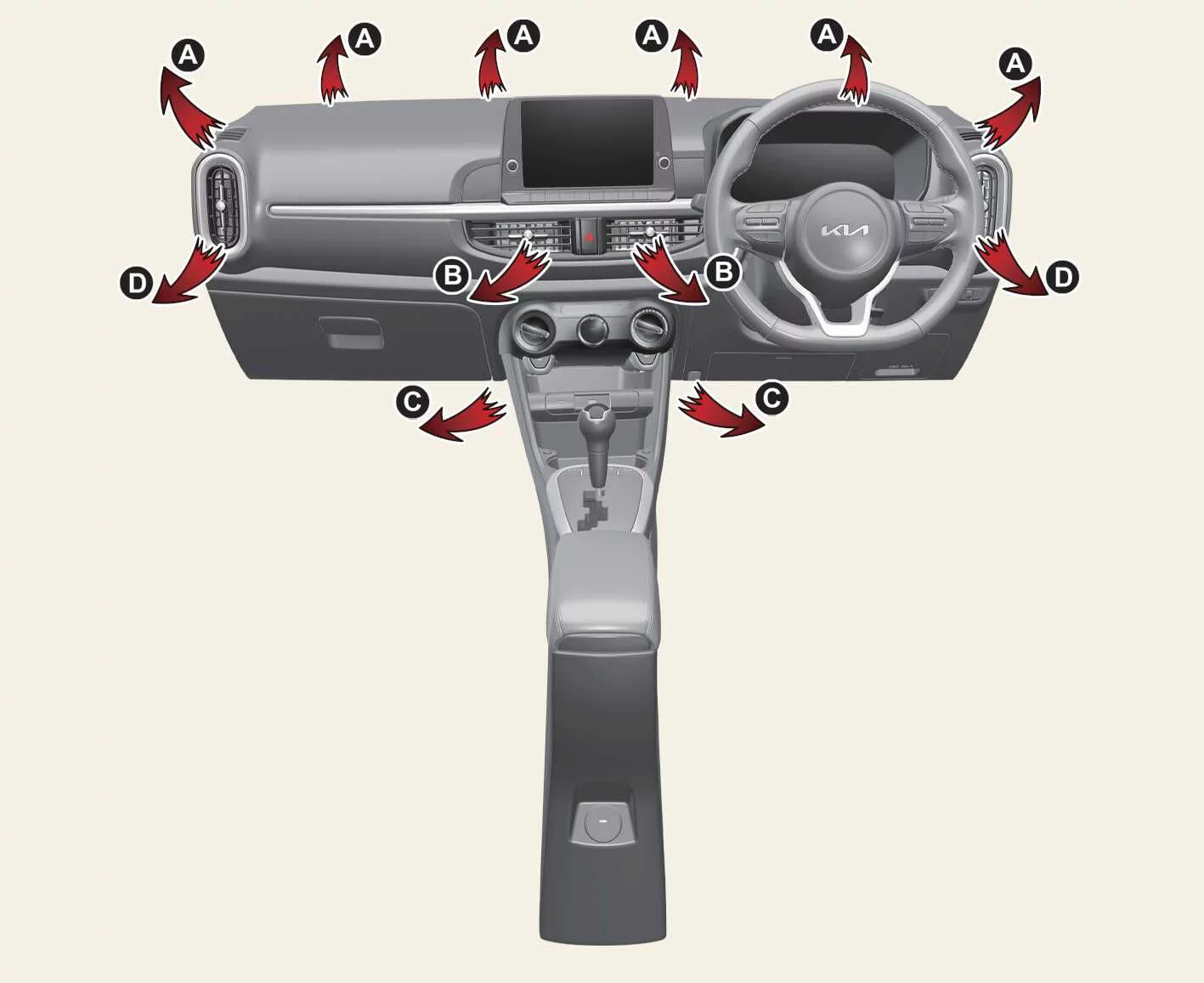
Air can be directed towards the floor, instrument panel outlets or windscreen. The five symbols identify the available settings: Face-Level, Bi-Level, Floor-Level, Floor/Defrost-Level and Defrost-Level.
 Face-Level (B, D)
This setting directs airflow towards the upper body and face. Each outlet can be adjusted individually to aim the air in the direction you prefer.
 Bi-Level (B, C, D)
Airflow is distributed between the face-level outlets and the floor outlets, supplying air to both the upper and lower areas of the cabin.
 Floor-Level (A, C, D)
Most of the airflow is directed towards the floor. A smaller amount is delivered to the windscreen and side window defrosters.
 Floor/Defrost-Level (A, C, D)
This setting directs most of the airflow towards the floor and windscreen, with a smaller amount supplied to the side window defrosters.
 Defrost-Level (A, D)
Most of the airflow is directed towards the windscreen, while a smaller amount passes through the side window defrosters.
Instrument panel vents
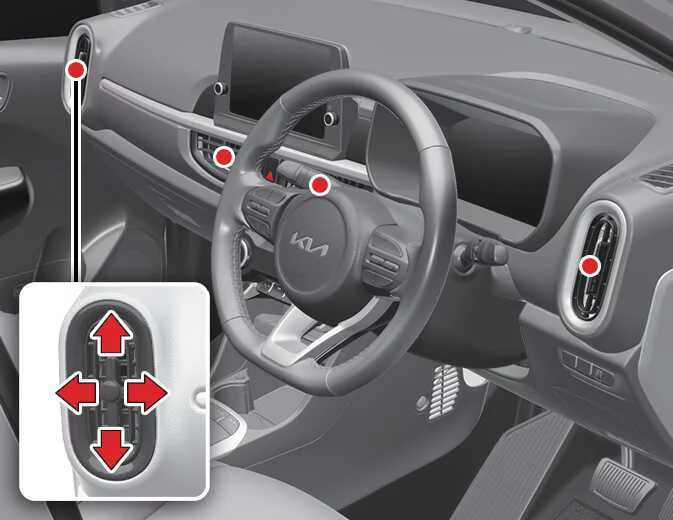
Each instrument panel outlet can be opened or closed individually using its thumbwheel. Move the thumbwheel fully downwards to close the corresponding outlet.
To change the airflow direction, move the vent control lever as shown in the illustration. This lets you aim the air from each outlet to suit your seating position.
Temperature control
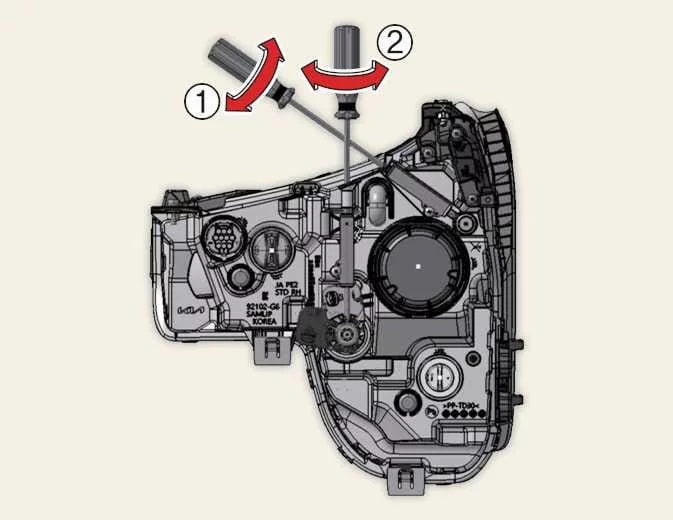
The temperature control knob regulates the temperature of the air flowing through the ventilation outlets. Turn the knob to the right for warmer or hotter air, or to the left for cooler air. Adjust the setting until the airflow temperature feels comfortable.
Air intake control
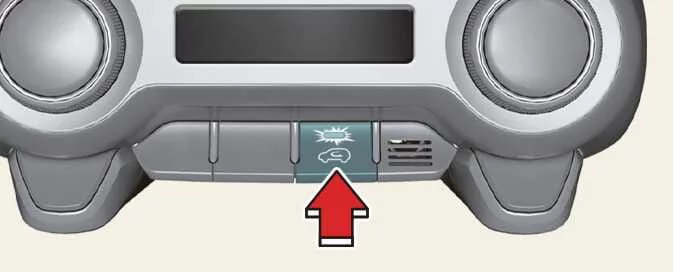
The air intake control lets you choose between drawing fresh air into the vehicle from outside and recirculating air already inside the cabin.
Press the air intake control button to change between these two settings on your Kia Picanto.
Recirculated air position
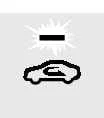 With recirculation selected, air from the passenger compartment is drawn
back through the heating system. It is then heated or cooled according to the function selected before returning to
the cabin.
With recirculation selected, air from the passenger compartment is drawn
back through the heating system. It is then heated or cooled according to the function selected before returning to
the cabin.
Outside (fresh) air position
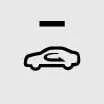 With the fresh air position selected, air enters the vehicle from
outside. The system heats or cools this incoming air according to the selected function.
With the fresh air position selected, air enters the vehicle from
outside. The system heats or cools this incoming air according to the selected function.
NOTE
Using the heater in the recirculated air position for an extended period without air conditioning may cause the windscreen and side windows to mist up. The air inside the passenger compartment can also become stale when fresh outside air is not being introduced.
Likewise, prolonged use of air conditioning with recirculation selected can make the air inside the cabin excessively dry.
WARNING
-
Continuous operation in the recirculated air position can increase humidity inside the vehicle. This may cause the windows to mist up and obscure your view of the road.
-
Do not sleep in the vehicle with the air conditioning or heating system operating. A drop in the oxygen level and/or body temperature could cause serious harm or death.
-
Keeping the air intake in the recirculated air position continuously may cause drowsiness or sleepiness, which could lead to a loss of vehicle control. Select the outside (fresh) air position as much as possible while driving.
Fan speed control
The ignition switch must be in the ON position before the ventilation fan can operate.
The fan speed control knob adjusts the amount of air flowing through the Kia Picanto ventilation system. Turn the knob to the right to increase the fan speed and airflow, or to the left to reduce them. Select a setting that provides a comfortable flow of air through the cabin.
Moving the fan speed control knob to the 0 position switches the fan off.
Whenever you want to stop the blowers, return the fan speed control knob to 0 rather than leaving it at an active speed setting.
Air conditioning (A/C)
Press the A/C button to switch on the air conditioning system. The indicator light illuminates to confirm that air conditioning has been selected. Press the same button again to switch the system off.
 Manual climate control system: (if equipped)
Fan speed control knob — adjusts the airflow speed.
Mode selection knob — selects where air is directed inside the cabin...
 System operation
Ventilation
Turn the mode selection control to the position shown.
Select the outside (fresh) air position so that the ventilation system draws air into the cabi..
Other information:
Ford Explorer 2020-2026 Service Manual: Removal and Installation - Side Impact Reinforcement - Police
Removal All vehicles Remove the rear seats. Refer to: Second Row Seat - Police (501-10B Second Row Seats, Removal and Installation). Remove the rear door opening scuff plates. Remove the loadspace floor trim. Rear Reinforcement Remove the bolts and the reinforcement...
Ford Explorer 2020-2026 Owners Manual: Children and Airbags
WARNING: Airbags can kill or injure a child in a child restraint. Never place a rear-facing child restraint in front of an active airbag. If you must use a forward-facing child restraint in the front seat, move the seat upon which the child restraint is installed all the way back...
Categories
- Manuals Home
- 6th Generation Explorer Owners Manual
- 6th Generation Explorer Service Manual
- Traction Control
- General Procedures - Transmission Fluid Drain and Refill
- Body and Paint
- New on site
- Most important about car
Locking and Unlocking
You can use the power door lock control or the remote control to lock and unlock your vehicle.
Power Door Locks
The power door lock control is on the driver and front passenger door panels.