Kia Picanto: Instrument cluster / Gauges
Speedometer
|
Figure 1. Type A 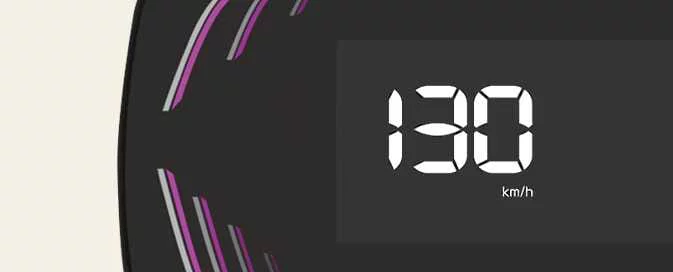
|
Figure 2. Type B 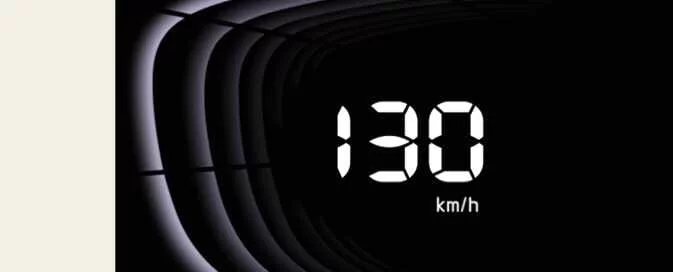
|
|
Figure 3. Type C 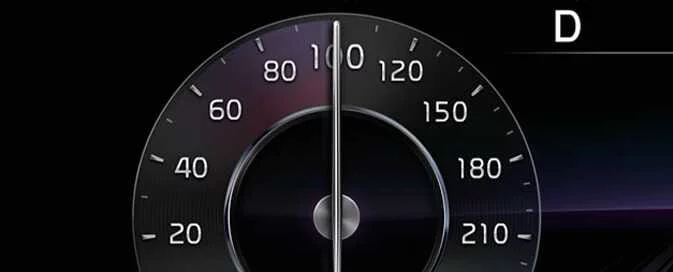
|
The speedometer shows how fast your Kia Picanto is travelling. Depending on the instrument cluster specification, the scale is calibrated in miles per hour (mph), kilometres per hour (km/h), or both. Check the displayed unit when reading the vehicle’s speed.
Tachometer
The tachometer displays the engine’s approximate rotational speed in revolutions per minute, abbreviated to rpm. Its reading relates to engine speed rather than the vehicle’s road speed.
Use the tachometer to help judge suitable gear-change points and keep the engine within an appropriate operating range. Selecting the correct gear helps avoid both lugging the engine at excessively low rpm and over-revving it at excessive rpm.
|
Figure 4. Type A 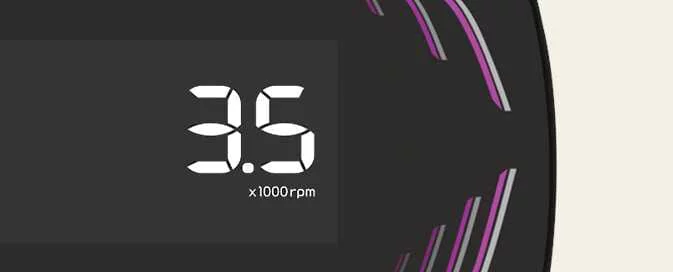
|
Figure 5. Type B 
|
|
Figure 6. Type C 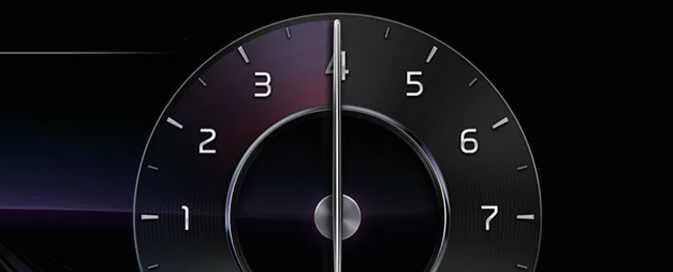
|
CAUTION
Do not operate the engine with the tachometer reading in the RED ZONE. Monitor engine speed when accelerating and selecting gears.
Running the engine in this range can cause severe engine damage.
Engine Coolant Temperature Gauge
|
Figure 7. Type A 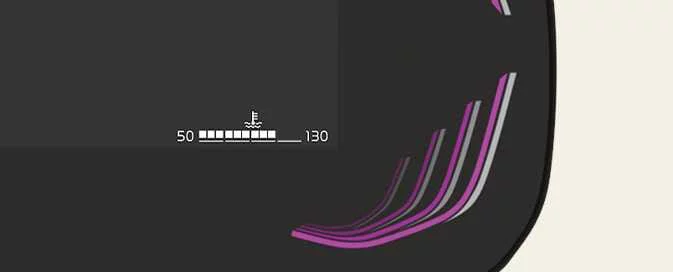
|
Figure 8. Type B 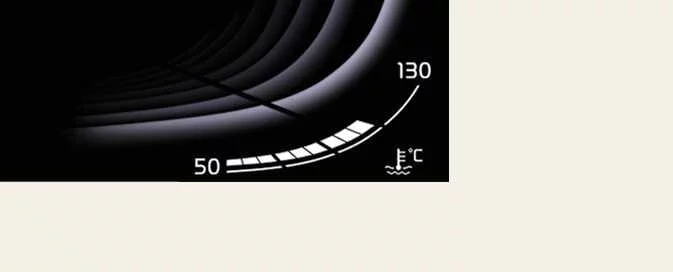
|
|
Figure 9. Type C 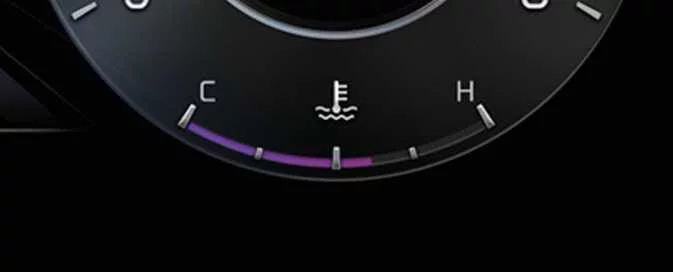
|
This gauge shows the engine coolant temperature when the ignition switch or ENGINE START/STOP button is in the ON position. Observe the reading during operation to identify a rise beyond the normal temperature range.
CAUTION
If the pointer moves outside the normal range towards 130 or H, the engine is overheating. Continued operation under these conditions can damage the engine.
Do not continue driving with an overheated engine. Follow the procedure in the “If the engine overheats” section.
WARNING
Never remove the radiator cap while the engine is hot. The cooling system contains pressurised coolant that can escape and cause severe burns. Allow the engine to cool before adding coolant to the reservoir.
Fuel Gauge
|
Figure 10. Type A 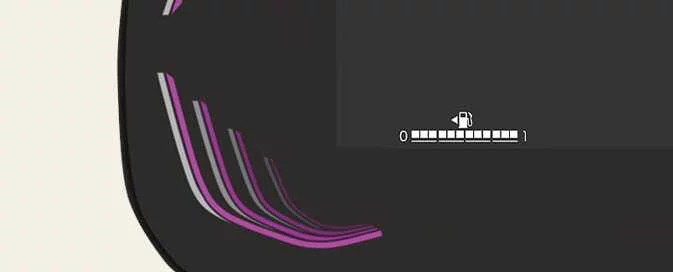
|
Figure 11. Type B 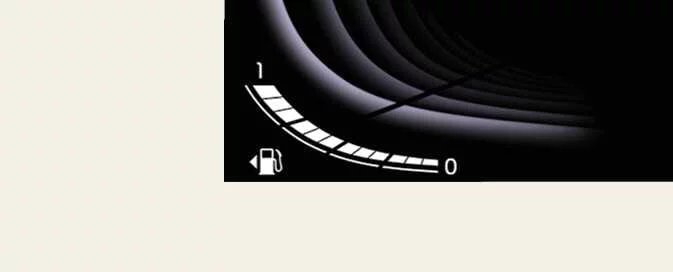
|
|
Figure 12. Type C 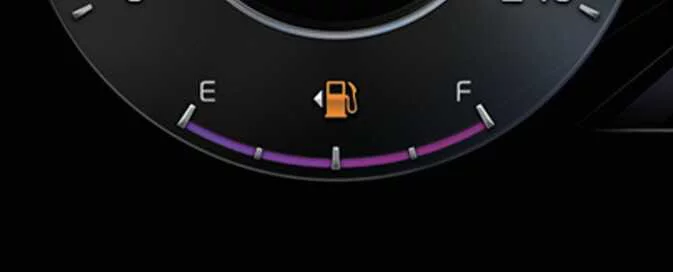
|
The fuel gauge provides an approximate indication of the fuel remaining in the tank. Use it to monitor the fuel supply and plan refuelling before the level approaches empty.
NOTE
-
Refer to “Recommended lubricants and capacities” for the fuel tank capacity applicable to the vehicle.
-
A separate low fuel warning light supplements the gauge. It illuminates when the fuel tank is nearly empty and refuelling is required.
-
Fuel moving inside the tank on slopes or through bends can cause the gauge reading to fluctuate. The same movement may also cause the low fuel warning light to illuminate earlier than it would on level ground.
WARNING
Fuel Gauge
Running out of fuel can leave the vehicle unable to continue its journey and expose its occupants to danger.
Arrange to stop safely and obtain fuel as soon as possible when the low fuel warning light illuminates or the gauge approaches 0 or E (Empty). Do not wait for the fuel supply to be exhausted.
CAUTION
Avoid driving with an extremely low fuel level. If the fuel supply runs out, the engine may misfire, which can damage the catalytic converter.
Odometer
|
Figure 13. Type A 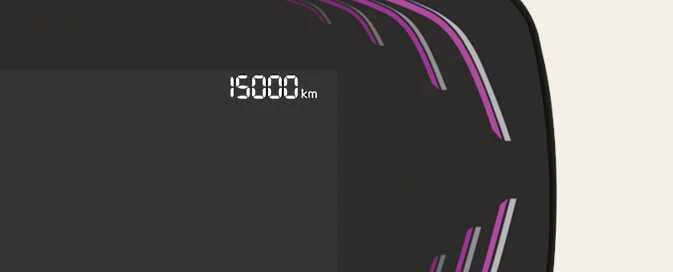
|
Figure 14. Type B 
|
|
Figure 15. Type C 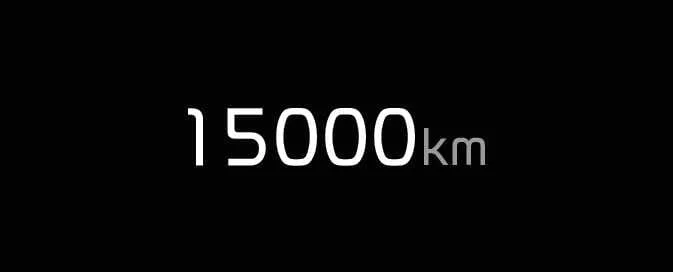
|
The odometer records the total distance your Kia Picanto has travelled. Use this reading to determine when distance-based periodic maintenance is due, in accordance with the applicable maintenance schedule.
Odometer display range: 0–1,599,999 km or 0–999,999 miles, depending on the selected distance unit.
Distance to empty
|
Figure 16. Type A 
|
Figure 17. Type B 
|
|
Figure 18. Type C 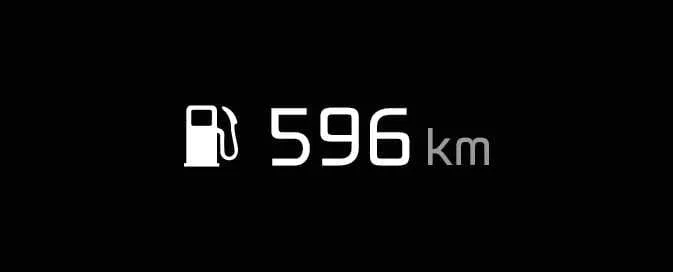
|
-
Distance to empty estimates how far the vehicle can travel using the fuel remaining in the tank. Treat the figure as guidance for planning your next refuelling stop.
Display range: 1–9,999 km or 1–9,999 miles.
-
When the estimated remaining distance falls below 1 km or 1 mile, according to the display unit, the trip computer shows --- instead of a numerical range.
CAUTION
-
The distance-to-empty calculation may not operate correctly if the vehicle is parked on uneven ground or its battery supply has been interrupted.
-
The displayed figure is an estimate, so the distance you can actually travel may differ. Do not rely on it as a guaranteed remaining range.
-
The trip computer may not recognise a small fuel addition of less than 6 litres (1.6 gallons). Following such a refill, the displayed range may not reflect the extra fuel.
-
Driving conditions, driving habits and the condition of the vehicle can significantly change the estimated distance to empty. Allow for these variations when deciding when to refuel.
Outside Temperature Gauge
|
Figure 19. Type A 
|
Figure 20. Type B 
|
|
Figure 21. Type C 
|
This display shows the current outside air temperature in increments of 1°C or 1°F, depending on the selected unit.
-
Temperature display range: −40°C to 60°C, or −40°F to 140°F.
The reading may not update as immediately as a conventional thermometer. This controlled response helps prevent frequent display changes from distracting the driver.
To switch between Celsius (°C) and Fahrenheit (°F), follow the procedure for the instrument cluster fitted to your Kia Picanto:
-
Type A Cluster
Select the Distance To Empty trip display, then press and hold the RESET button for at least five seconds to change the temperature unit.
-
Type B Cluster
Change the temperature unit through the LCD display’s User Settings mode.
Refer to the “LCD display” section for detailed instructions on accessing and using these settings.
-
Type C Cluster
Use the User Settings mode on the LCD display to select the preferred temperature unit.
See the “LCD display” section for further guidance on navigating the settings and changing the displayed unit.
 LCD display control
Use the control buttons on the steering wheel to change the instrument cluster LCD display modes. The controls differ
according to the type fitted, as shown below...
 Transmission shift indicator
Automatic Transmission Shift Indicator: (if equipped)
Figure 1. Type A
Figure 2...
Other information:
Ford Explorer 2020-2026 Owners Manual: Using Seatbelts During Pregnancy
WARNING: Always ride and drive with your seatback upright and properly fasten your seatbelt. Fit the lap portion of the seatbelt snugly and low across the hips. Position the shoulder portion of the seatbelt across your chest. Pregnant women must follow this practice...
Ford Explorer 2020-2026 Service Manual: Removal - Engine
Special Tool(s) / General Equipment 303-050 (T70P-6000) Lifting Bracket, Engine Adjustable Mounting Arm Oil Drain Equipment Side Cutter Pliers Vehicle/Axle Stands Cable Ties Hose Clamp Remover/Installer Powertrain Jack Wooden Block LHD AWD/LHD RWD NOTI..
Categories
- Manuals Home
- 6th Generation Explorer Owners Manual
- 6th Generation Explorer Service Manual
- Auxiliary Power Points
- Driveline
- Electric Parking Brake
- New on site
- Most important about car
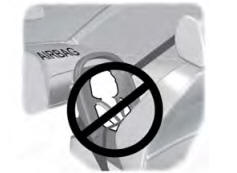
Children and Airbags
WARNING: Airbags can kill or injure a child in a child restraint. Never place a rear-facing child restraint in front of an active airbag. If you must use a forward-facing child restraint in the front seat, move the seat upon which the child restraint is installed all the way back.