Kia Picanto: Forward Collision-Avoidance Assist (FCA) (Sensor Fusion): (if equipped) / Forward Collision-Avoidance Assist settings
Forward safety
|
|
A: Driver Assistance
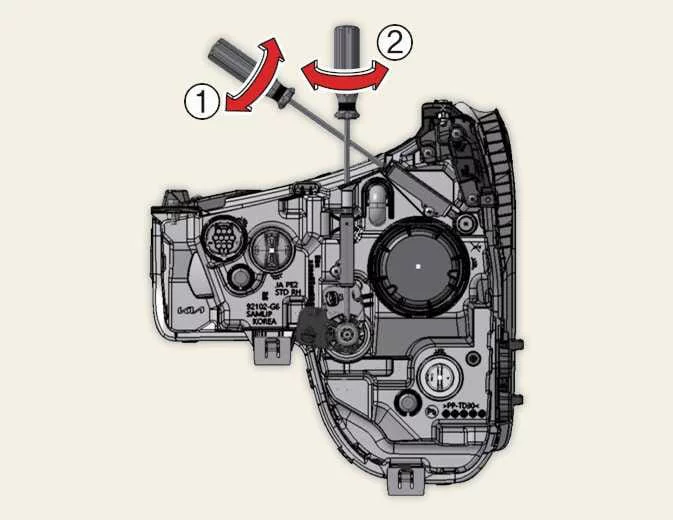
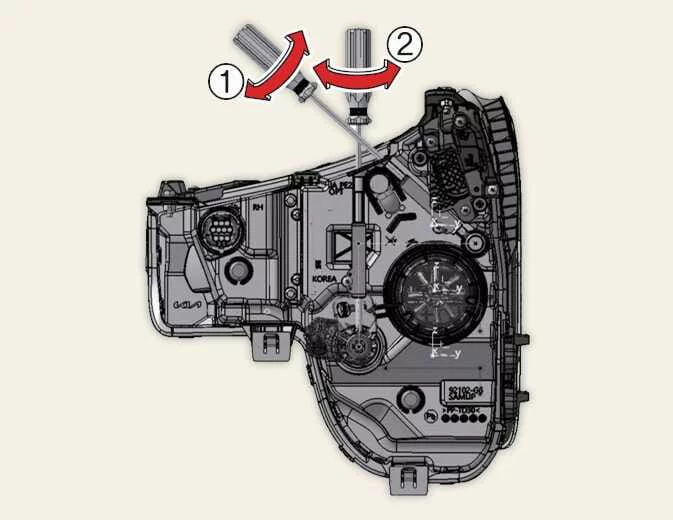
With the vehicle switched on, select User Settings > Driver Assistance > Driving Safety in the instrument cluster, or Setup > Vehicle > Driver Assistance > Driving Safety in the infotainment system. Use the available settings to configure Forward Collision-Avoidance Assist, including the initial warning activation timing.
-
Forward safety: When a collision is judged to be imminent, the function provides a collision warning or emergency braking assistance. Deselecting this setting switches Forward Safety off, and the Forward Safety warning light (
 ) appears in the
instrument cluster.
) appears in the
instrument cluster.
You can review the current Forward Collision-Avoidance Assist settings through the Settings menu. If the Forward
Safety warning light ( ) remains
ON while Forward safety or Forward/side safety is selected, have
your Kia Picanto inspected by a professional workshop. Kia recommends visiting an authorised Kia dealer or service
partner to investigate the warning.
) remains
ON while Forward safety or Forward/side safety is selected, have
your Kia Picanto inspected by a professional workshop. Kia recommends visiting an authorised Kia dealer or service
partner to investigate the warning.
WARNING
Forward Collision-Avoidance Assist automatically switches on whenever the vehicle is restarted. If you subsequently deselect Forward Safety, remain fully aware of the surrounding traffic and road conditions and drive safely without relying on its assistance.
CAUTION
The Forward Safety setting covers the Basic function, Junction Turning function and Direct Oncoming function. Consider all three functions when changing this setting, as it applies to their operation.
Forward Safety Warning Timing
|
|
|
A: Driving Safety
With the vehicle switched on, open User Settings > Driver Assistance > Warning Timing in the instrument cluster, or select Setup > Vehicle > Driver Assistance > Forward Safety Warning Timing in the infotainment system. This setting changes when Forward Collision-Avoidance Assist issues its initial warning after detecting a potential collision risk.
-
Standard: Choose this setting for normal driving conditions. If the warnings seem overly sensitive, you can select Late, subject to the traffic and speed precautions below.
-
Late: The initial warning is issued later than with Standard selected, giving you a delayed alert to the detected risk.
CAUTION
-
Even with Standard selected, the warning may seem late if the vehicle ahead stops abruptly. Continue watching the road and responding to traffic rather than waiting for the system to alert you.
-
Select Late only when traffic is light and your driving speed is low. Consider both conditions before choosing the later warning timing.
NOTE
Your Kia Picanto retains the last selected warning timing when restarted. Switching the vehicle off and on does not reset this preference.
Warning Methods
|
|
|
A: Driver Assistance
Warning Methods can be configured while the vehicle is switched on. Select User Settings > Driver Assistance > Warning Methods in the instrument cluster, or Setup > Vehicle > Driver Assistance > Warning Methods in the infotainment system. The available options let you adjust how audible driver assistance warnings are presented:
-
Warning Volume: Changes the volume of the warning sound so you can adjust the audible alert level.
-
Driving Safety Priority: Reduces all other audio volumes when a Driving Safety warning sounds, helping the alert stand out from the audio already playing.
TIP
-
A change to Warning Methods may also apply to other driver assistance functions. Review the settings for each relevant function and adjust them as needed, rather than assuming the change affects only one system.
-
The last selected Warning Methods settings are retained after the vehicle is restarted, so your chosen preferences remain in effect.
-
Menu availability depends on the vehicle specification. Some Kia Picanto versions may not display this settings menu.
 Forward Collision-Avoidance Assist (FCA) (Sensor Fusion): (if equipped)
Basic function
Forward Collision-Avoidance Assist in the Kia Picanto detects vehicles, powered two-wheelers, pede..

Other information:
Ford Explorer 2020-2026 Service Manual: Removal and Installation - Rear Stabilizer Bar
Removal NOTICE: Suspension fasteners are critical parts that affect the performance of vital components and systems. Failure of these fasteners may result in major service expense. Use the same or equivalent parts if replacement is necessary. Do not use a replacement part of lesser quality or substitute design...
Kia Picanto 2024-2026 Owner's Manual: Seat belt precautions
WARNING Every occupant of your Kia Picanto must wear a seat belt on every journey. Correctly worn seat belts and appropriate child restraints reduce the risk of serious or fatal injury during a collision or sudden stop. An unrestrained occupant may move dangerously close to a deploying air bag, strike parts of the vehicle interior or be throw..
Categories
- Manuals Home
- 6th Generation Explorer Owners Manual
- 6th Generation Explorer Service Manual
- Driveline
- Electric Parking Brake
- Auxiliary Power Points
- New on site
- Most important about car
Integrated Keyhead Transmitter (If Equipped)
Use the key blade to start your vehicle and unlock or lock the driver door from outside your vehicle. The integrated keyhead transmitter functions as a programmed ignition key that operates all the locks and starts your vehicle, as well as a remote control.